User Management
You decide who can use your drive. This page is for the owner.
The roles
Section titled “The roles”| Role | What they can do |
|---|---|
| Owner | The account that set up the instance. Runs the admin area. |
| Admin | A person the owner gave Admin access. They can look at Overview, Users, Storage and Jobs, but they cannot change anything. Settings and every change still need the owner. Give it only to people you trust to see everyone’s names and usage. |
| Member | A normal person. Has their own files, shares and settings. |
Everyone has a private space. The owner cannot read a member’s files by being the owner.
Invite someone
Section titled “Invite someone”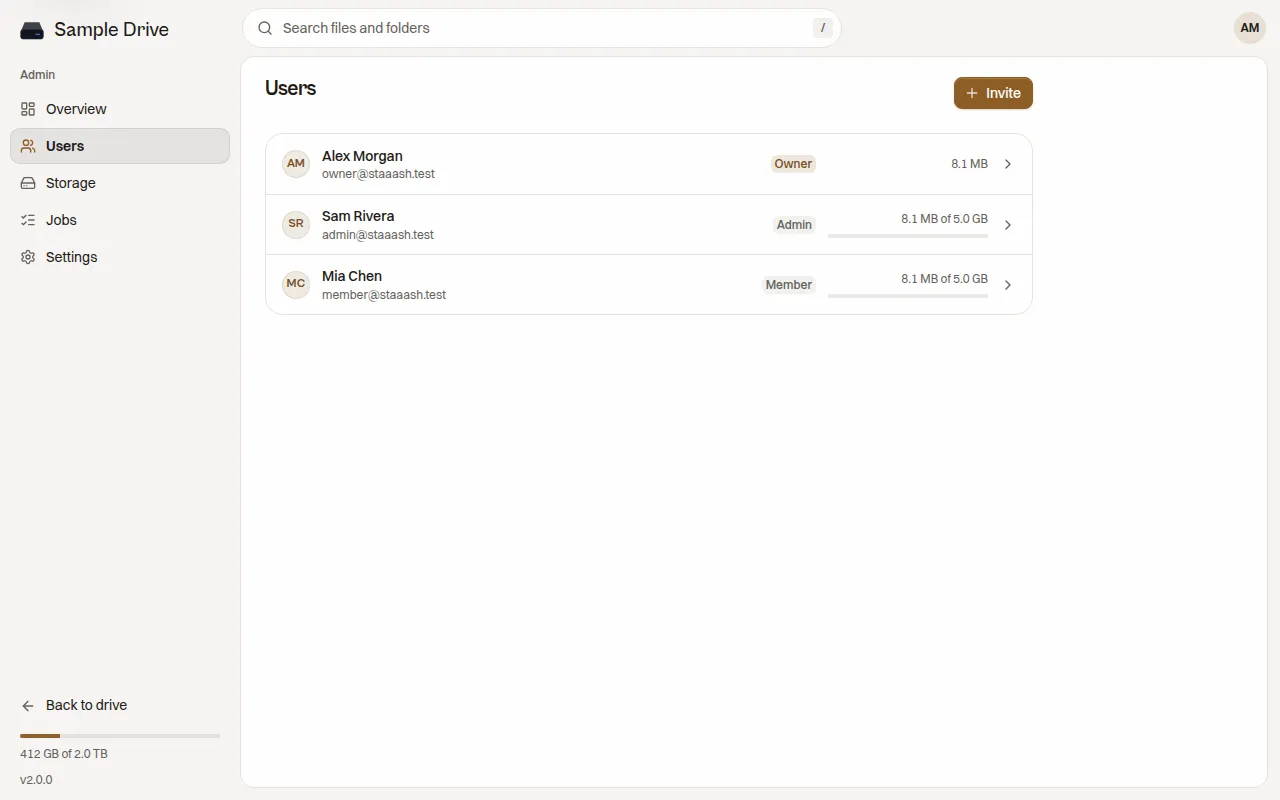
- Open Admin, then Users, then press Invite.
- Type their email.
- Optional: set a Storage limit. Leave it empty for no limit.
- Pick a password. Either type one, or choose Generate a password.
- Optional: turn on Ask for a new password at sign-in, so they pick their own after the first sign-in.
- Optional: turn on Admin access.
- Press Invite.
Staaash shows the sign-in address, the email and the password once. Copy it and send it to them with a way you trust. Staaash does not send email, so you must give it to them yourself.
Change someone
Section titled “Change someone”Press a person in the list. You can change:
- their name and email
- their role
- their storage limit
Storage limits
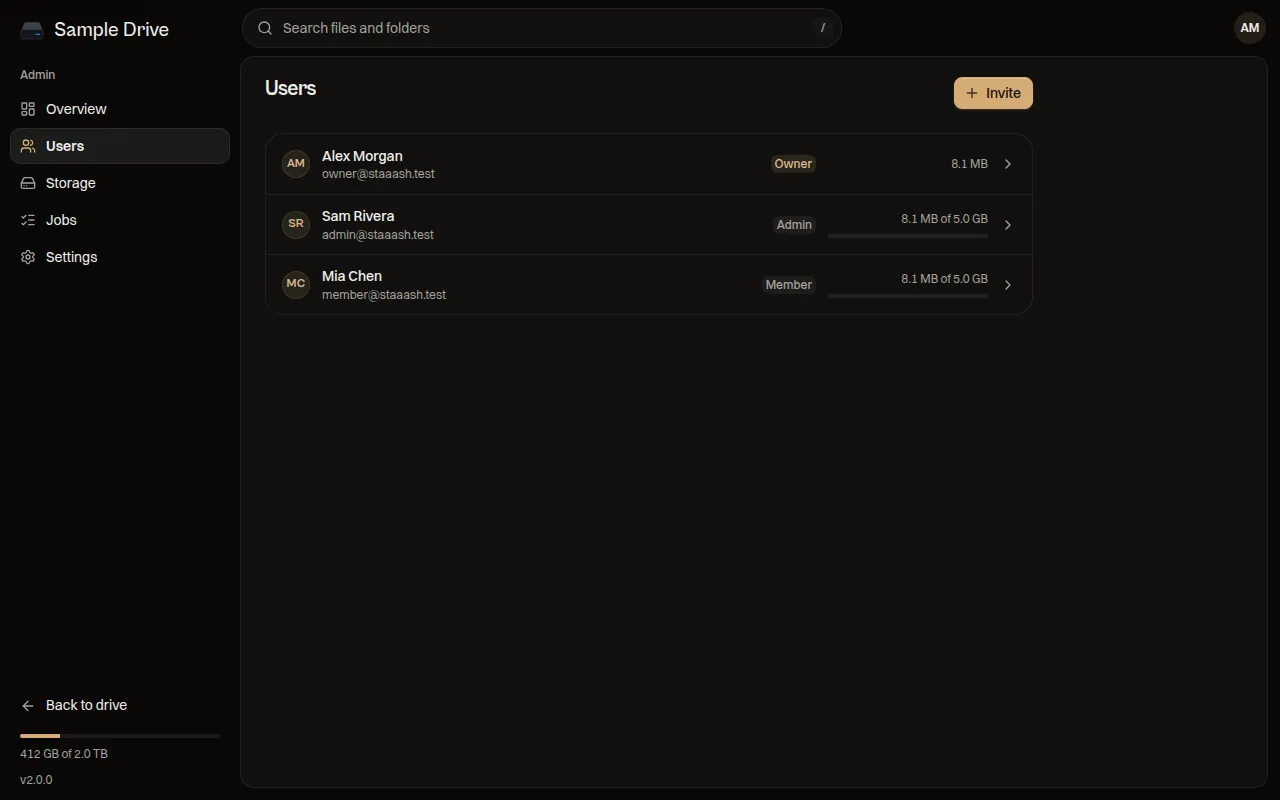
Section titled “Storage limits”A limit stops a person from storing more than it. The list shows each person’s use, for example “8.1 MB of 5.0 GB”. Raise a limit any time. If you lower it below what they already use, they keep their files but cannot upload more until they free space.
Reset a password
Section titled “Reset a password”- Press the person, then Reset password under Signed in.
- Choose a new temporary password, or let Staaash make one.
- Send it to them.
Resetting signs them out everywhere. You can also sign out a single device from the same screen.
Sign-in time
Section titled “Sign-in time”By default people stay signed in for a while and then sign in again. Change the time under admin Settings, Sessions. See Configuration.
Removing a person
Section titled “Removing a person”The admin screens have no button to delete an account. If someone should lose access today, reset their password and keep the new password to yourself. They are signed out everywhere. Ask in GitHub Discussions if you need the account fully removed.