Your Account
Click your picture in the top right corner, then Settings. The same menu has Keyboard shortcuts, Get the desktop app and Sign out.
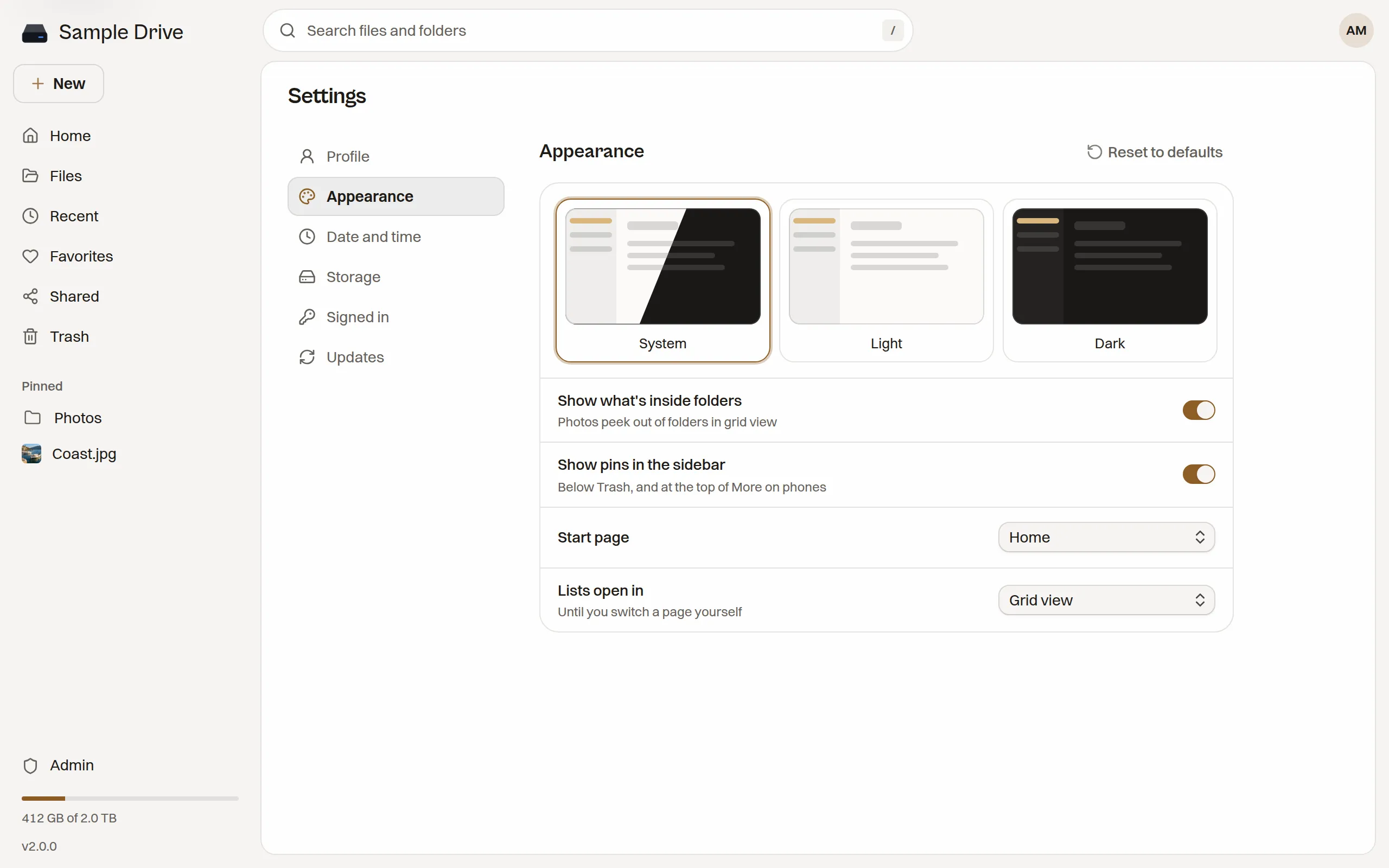
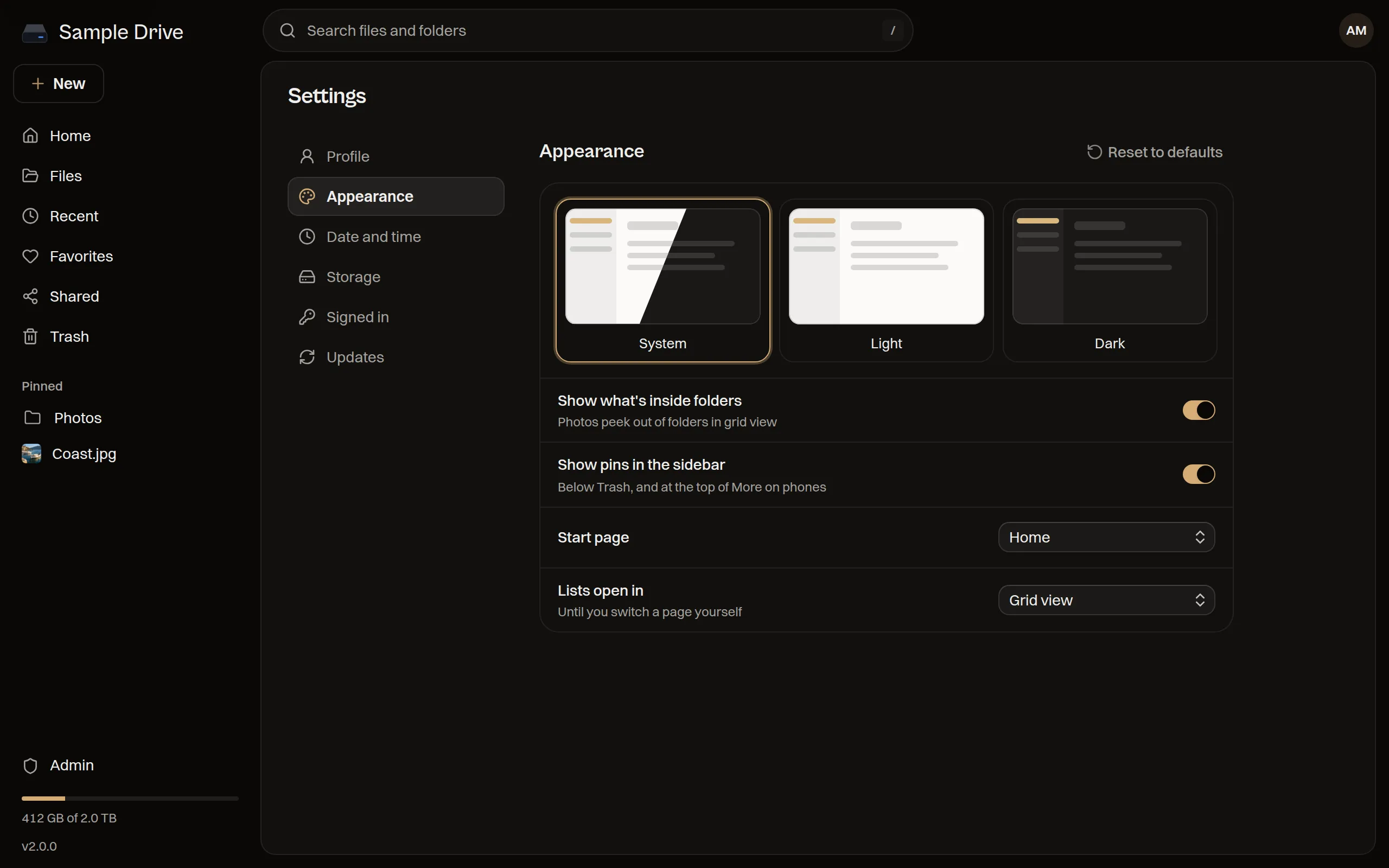
Changes in Appearance and Date and time wait for you to press Save. Reset to defaults puts a group back the way it started.
Profile
Section titled “Profile”- Edit changes your name and photo. Upload photo picks a picture, and Remove photo goes back to your initials.
- Change next to Password sets a new password of at least 12 characters. All your other devices are signed out when you do.
- Role shows whether you are the owner or a member.
Your email address is your sign-in name. Only the owner can change it, in Admin → Users.
Appearance
Section titled “Appearance”- System, Light or Dark. System follows your computer.
- Show what’s inside folders lets photos peek out of folders in grid view.
- Show pins in the sidebar shows the items you pinned from Favorites.
- Start page is Home or Files.
- Lists open in picks list or grid view for pages you have not switched yourself.
Date and time
Section titled “Date and time”- Time zone sets the zone for the dates and times you see. Automatic follows your browser.
- Clock is 24-hour or 12-hour.
Storage
Section titled “Storage”Shows how much space you use, split into photos, videos, music, documents and trash. If the owner gave you a limit, it shows that too.
- Empty trash removes everything in your trash for good.
- Share links counts your live links. Manage opens the Shared page.
Signed in
Section titled “Signed in”Every browser and desktop app signed in to your account, with when it was last seen. This browser marks the one you are using.
- Sign out next to a device ends that one.
- Sign out everywhere else ends all of them except this browser.
- Each one shows the network address it last used.
Sign out a lost phone or computer here. To add the desktop app, see Desktop App.
Updates
Section titled “Updates”Only the owner sees this. Tell me about new versions shows a note in the sidebar and a short announcement when a new Staaash version is out. To install it, see Updating.